Log-in Setup
Instructions on Creating Your Account
Setting Up Your Log-in
Please follow these directions in order to set-up your own unique log-in for the Community only sections of the IGB website. Once having your log-in you'll be able to access the community only sections, submit prayer requests, and interact with other areas of the site as they become available.
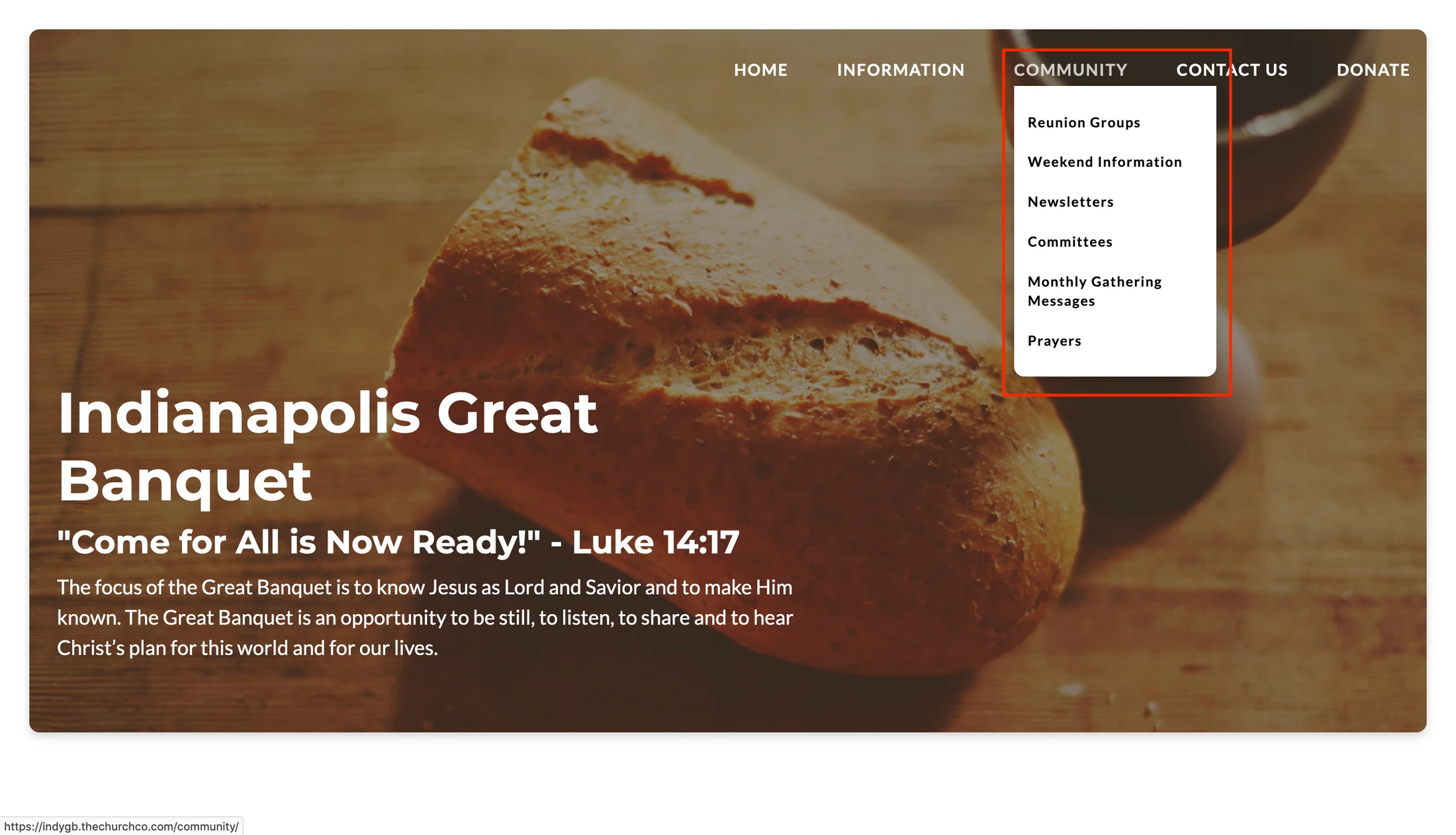
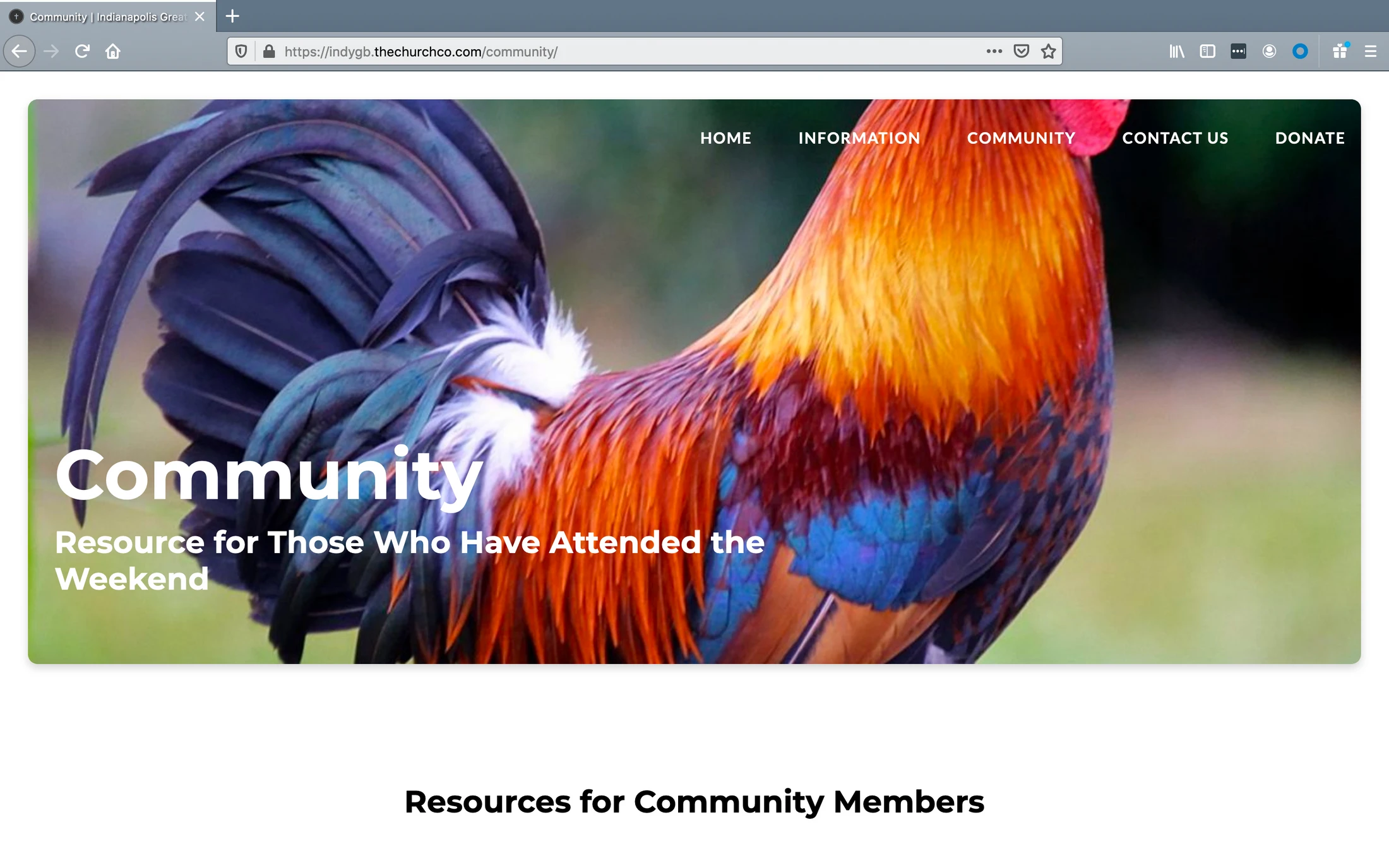
Step One – Select any of the links under the
Community section of the Navigation Menu
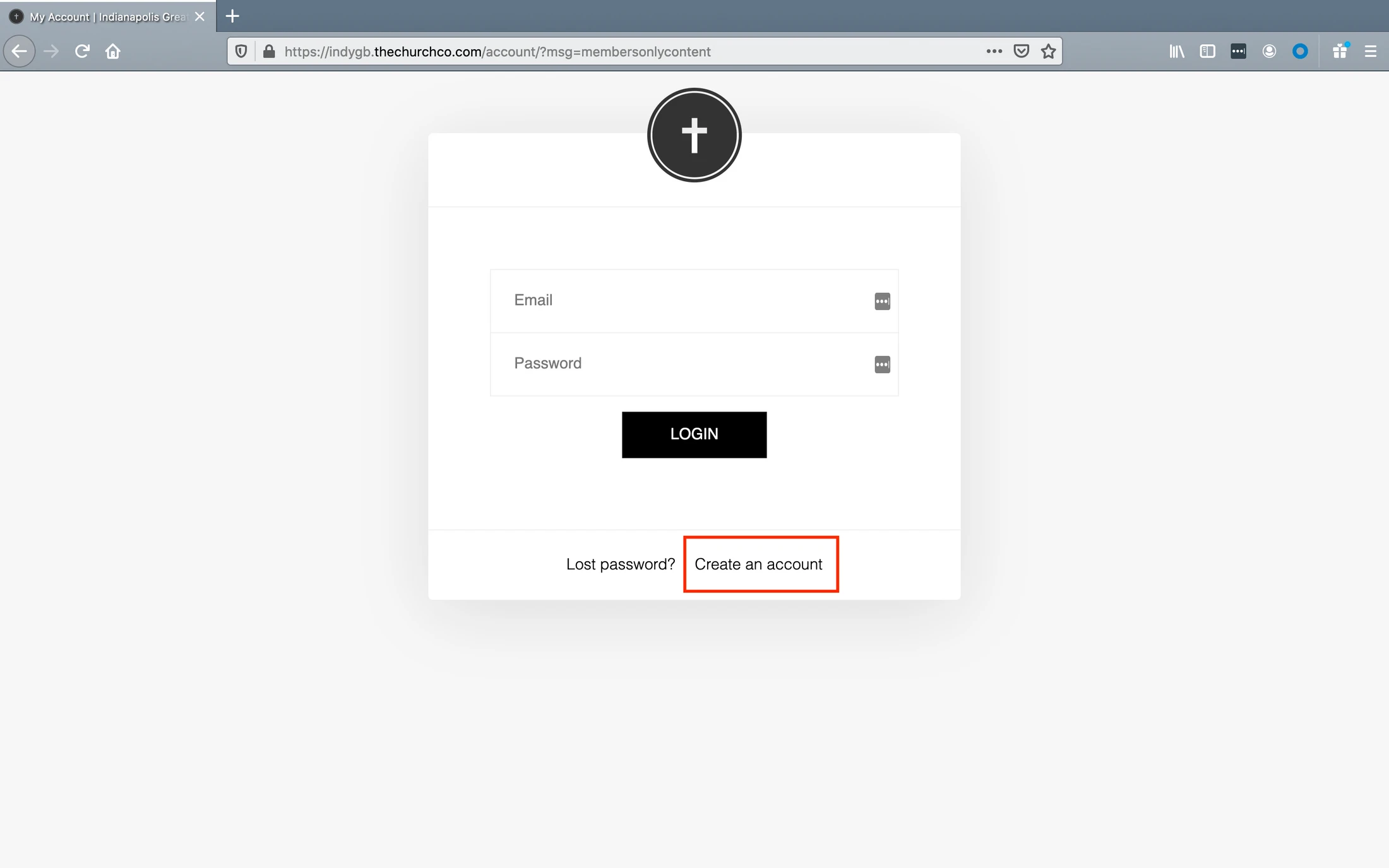
Step Two – Log-In Screen will Appear – Select “Create an Account”
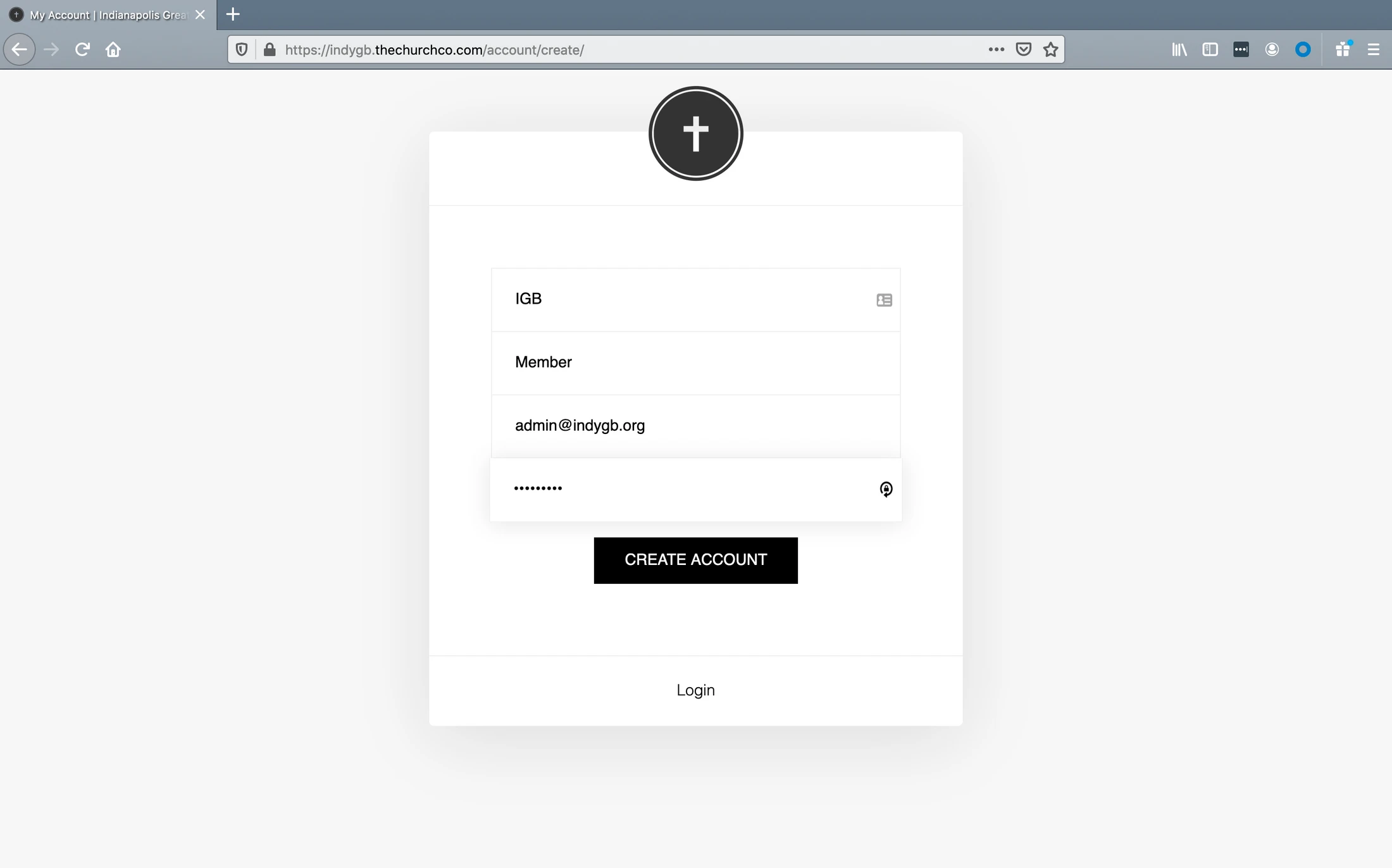
Step Three – Complete the Form and Click on “Create Account”
Step Four – Upon Logging in You can Select Details and Provide More Information (Not Required)
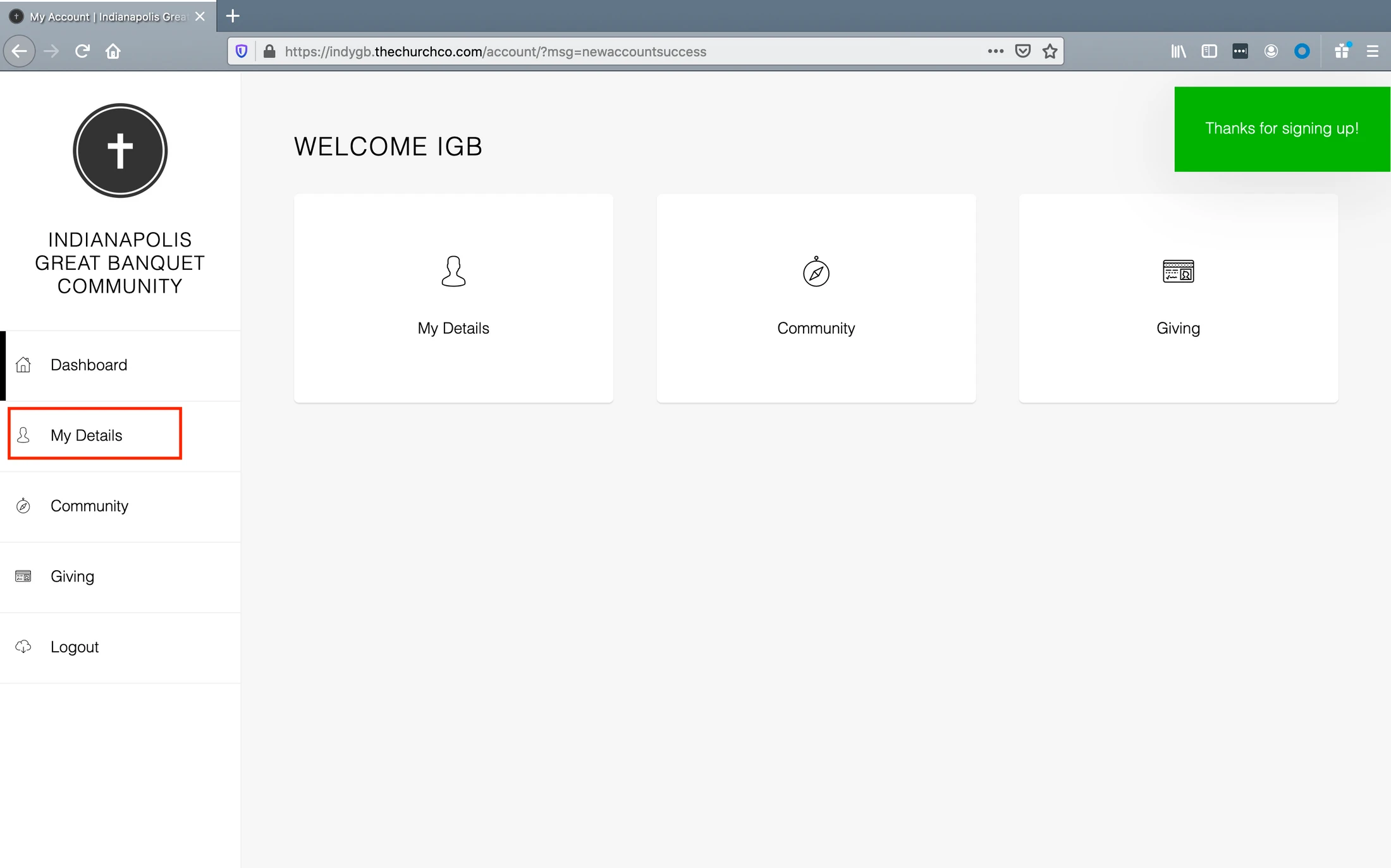
Enjoy the Community Section of the Site
If you have any questions or run into a problem, please email the IGB Webmaster Scott Thomas at scott@thethomascrew.com.